
RECEIPTCorner Coffee
Total$6.50
RECEIPTS. EXPENSES. ANALYTICS.
From a receipt in your pocket to a report on your desk.
Collect, organize, and understand your spending with Smart Receipts.
Now available on the web. Sign in with your existing mobile account or create an account.
BUILT AROUND YOU
Choose an individual profile or create an organization workspace for your team.
Everyday purchases, household expenses, and warranty details for the things you want to keep.
Learn moreWork purchases, travel receipts, and organized records for your next reimbursement claim.
Learn moreBusiness expenses, customers, and projects to keep your client work organized.
Learn moreShared expenses, team receipts, and report approvals. Manage members and Pro seats in your organization workspace.
Learn moreA little less paperwork. A little more clarity.
FROM RECEIPT TO REPORT
Three connected modules. One clear view of your spending.
Scan a receipt, upload a file, or forward a receipt email. Keep the original receipt alongside its expense.
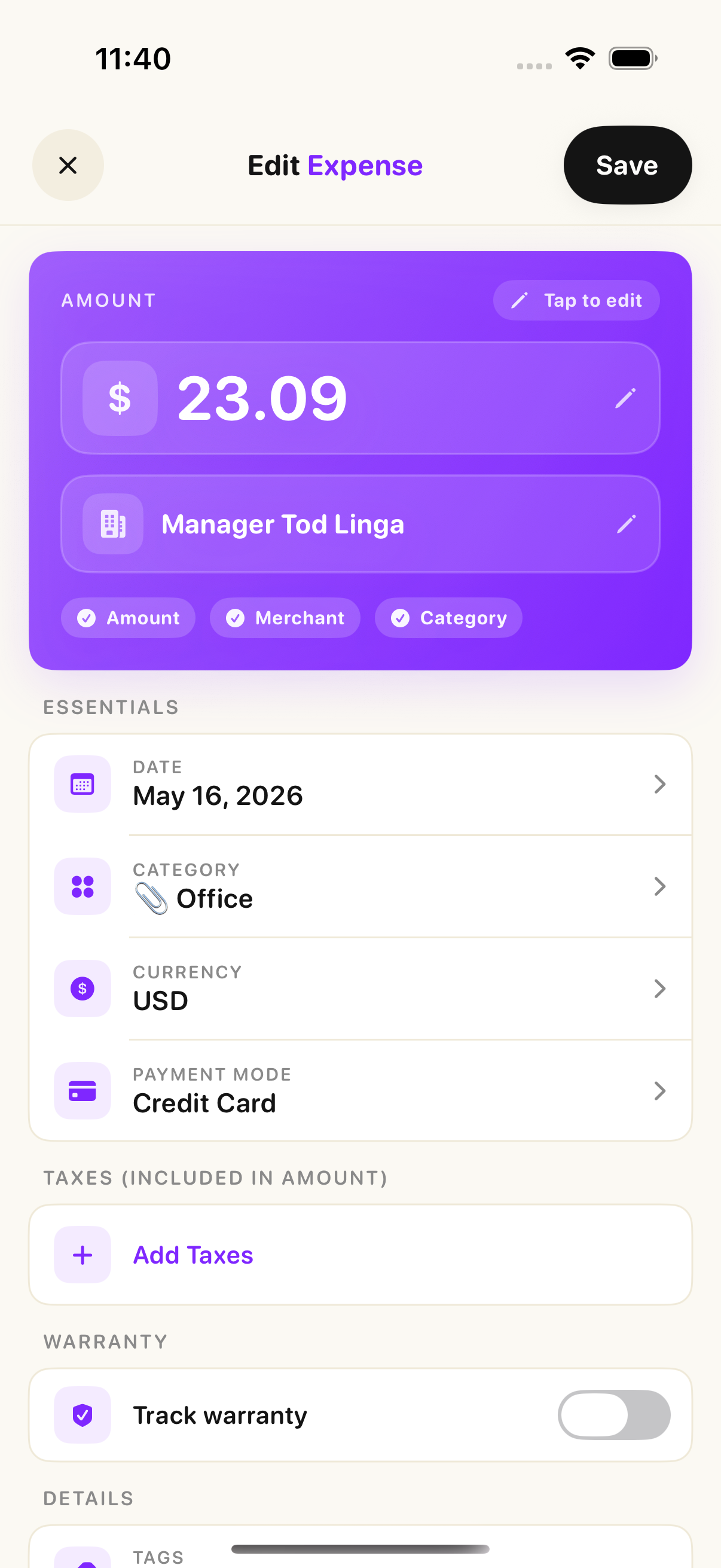
Add an expense with or without a receipt. Keep amounts, merchants, and the details you need together.
Explore spending trends and category breakdowns. Turn everyday entries into a clearer picture.
LESS TYPING. MORE LIVING.
From the paper in your hand to the receipt in your inbox, let Smart Receipts bring the details together.
Take a photo on your phone or upload an image or PDF on the web. AI reads the receipt and creates an expense with the original attached.
Review the details. Fill in anything missing.Received a receipt from a shop, travel provider, or subscription service? Forward it to your workspace's Smart Receipts email address. We'll turn it into an expense.
Receipt emails, PDF attachments, and images. EXPENSE REPORT
Monthly expenses · Sample report
REPORTS WITH PRO
Prepare an expense claim, share records with your accountant, or keep a copy for yourself. Choose what goes into your report before you download it.
FOR YOUR ORGANIZATION
Keep your team's expenses in an organization workspace, separate from personal spending.
Invite members, manage access, and keep receipts and expenses together. Switch between your workspaces with the same account.
Submit organization expense reports for review. Authorized reviewers can approve or reject reports.
Create your organization, invite users, and manage your subscription and Pro seats in the web app.
Organization administration and billing are managed on the web. Mobile features depend on your app version and workspace access.
WEB PLANS
Choose a plan for personal use or an organization subscription for your team.
Get started with 1 receipt scan and 2 manual expenses. Explore the workspace before subscribing.
Start FreePro for your individual workspace, including receipt email forwarding and PDF and Excel exports.
Explore Individual ProUS$10 per Pro seat per month
Starts at 2 paid seats (US$20 per month). Assign Pro seats to team members and manage billing for the workspace.
Create an organizationPrices shown are for web subscriptions in USD. Taxes may apply. App Store and Google Play pricing may differ. Manage an existing subscription through the platform where you purchased it.
SMART RECEIPTS ON MOBILE
Capture a receipt as soon as you get it. Keep your expenses organized wherever your day takes you.

 Coming soon
From our community
“Best app I have seen and used for tracking expenses. It’s a very easy to use tool and friendly.”

Anandgh23
Version 1.2.0 - India
“This is the best receipt scanning app with OCR I’ve found and with future development will be the best on the AppStore. Hidden gem!”

App Store Review Expert
Canada
“I am thoroughly impressed with this app, particularly due to the newly implemented zooming feature and the prompt responsiveness from the development team.”

Great-Phoenix
Canada
“Very very good.. simple and easy to use and have so many features with small subscription amount.”

naksksidii
Saudi Arabia
“Very good. Great for tracking receipts and managing expenses on the go.”

Waleedmahrz
United Arab Emirates
“Necesita unas pequenas mejoras, pero no he encontrado otra mejor.”

piedraf
Mexico
“Handy to keep track of expenses. Simple and gets the job done.”

Timberhill.
Norway
A FEW MORE DETAILS
Smart Receipts is available on iPhone and the web. Sign in with the same account to access your connected receipts and expenses. Android is coming soon.
Choose Personal, Employee, or Freelancer for individual use. Teams can create an organization workspace on the web for shared expenses, reports, and approvals.
Scan a receipt on mobile or use receipt email forwarding with Pro. On the web, upload images or PDFs and drop up to five receipts at a time for autoscan. Review the extracted details before relying on them.
The web workspace includes PDF and Excel reports with Pro. Choose a date range, filter by tags, include receipt images, or export a receipt-only PDF.
Yes. You can start with Free on mobile or the web. Pro unlocks additional capabilities, subject to your plan limits.
Signing in lets Smart Receipts sync account data between web and mobile. You can manage your profile and request account deletion in account settings. Read our privacy policy for details about data processing.
Your next receipt is a good place to start.
Get started